top of page
Access Your Course
Follow these simple steps to start your program.
MOBILE GUIDE
Step 1
Tap menu (top right)

Step 2
Tap Log In


Step 3
Use your purchase email
Step 4
Tap My Programs


Step 5
Tap View Program

Step 6
Tap start. You're in.
DESKTOP GUIDE
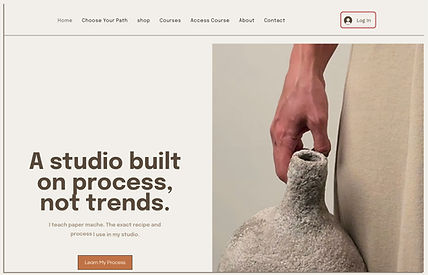
Step 1
Click Log in (top right)
Step 3
Tap My Programs

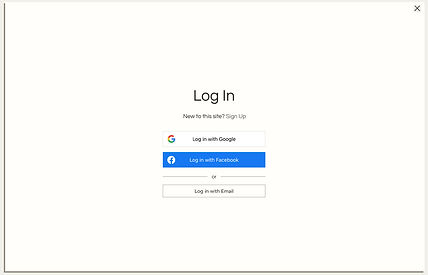
Step 2
Use your purchase email
Step 4
Tap View Program

Step 5
Tap start. You're in.

IMPORTANT
. Use the same email you used at checkout
. If you don't see your course, you are logged into the wrong account
. Access is instant after purchase
bottom of page